Backup Codes: Ten Keys You Use Only Once
Ten eight-digit numbers, each good for a single sign-in. 2FA backup codes as a spare key to keep safe before the emergency.
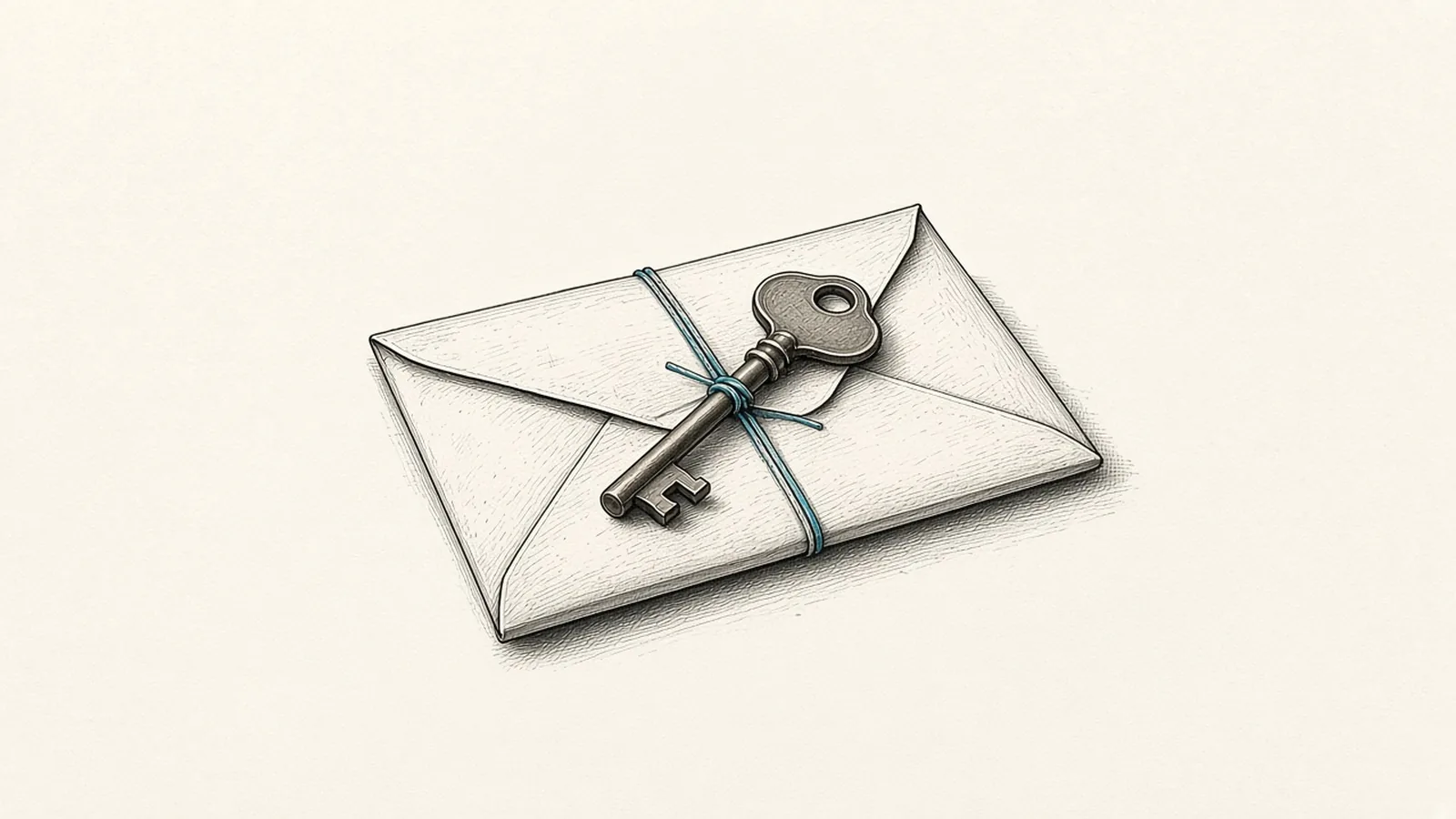
When you turn on 2-Step Verification for a Google account, the system offers something almost nobody looks at carefully: a set of ten backup codes, eight digits each. GitHub, at the same moment, invites you to download a file of sixteen recovery codes. They are faceless numbers, printed on a page that ends up in a drawer or a downloads folder. Yet on the day the phone breaks or disappears, they are the only door left.
Their rule is simple and almost ancient. Each code works only once. After you sign in it becomes inactive, and Google suggests marking it as used. When you generate a new set, the old one stops working all at once. They are not a password to remember: they are single-use keys, counted, that wear out.
The key under the flowerpot, done properly
Every house has a spare key. The problem is not having one, it is where you keep it. Under the doormat anyone finds it; locked inside the house it is useless. Backup codes raise the same question. If they live only on the phone they are meant to replace, they are lost along with it. If they sit in a shared folder or a synced photo, they become a door left ajar.
The official advice is sober. Google suggests printing them and keeping them where you keep your passport or other important documents. GitHub recommends saving them in a secure password manager, or printing them, and never sharing them. Google adds a sentence that is a security course on its own: it never asks for a backup code other than at sign-in. Anyone asking for one anywhere else, by email, on the phone, in an urgent message, is not Google.
Keeping before the emergency
This small sheet interests me because it reverses the way we usually think about protection. The second factor shuts the door on strangers; backup codes keep that same door from shutting on us. It is the least spectacular part of security, and for that reason the most neglected: you do not see it until it is missing.
An act of custody here has three moments. Generate the codes while everything works, not when it is already too late. Keep them somewhere separate from the device you use every day. Regenerate them when you have used some or fear they have been seen, knowing that the previous set goes dark. These are habits more than tools, like those described in the essay Security as an Operating Habit.
To put them in order without forgetting anything, the site has the 2FA Recovery Checklist: it stays in your browser and helps you prepare codes, authenticator apps, recovery email and physical keys before you are locked out.
There is something almost ritual about that page of numbers. Ten keys, each good for a single opening, handed over at the moment they are of no use at all. Whoever keeps them well may never use them. But on the day a machine forgets who we are, a sheet of paper will remind it.
Sources: Sign in with backup codes, Google Account Help; Configuring two-factor authentication recovery methods, GitHub Docs (accessed 21 October 2026).
> ln -s ./linked-nodes
- [PART OF] Operational Cyberinfrastructure
- [RELATED] 2FA Recovery Checklist
- [RELATED] Security as an Operating Habit